
Day 3
What you’ll need:
Your phone
A plant, leaf or natural object outside
Step 1 - LOOK DIFFERENTLY
Step outside or move toward a window.
Take a slow look around.
Let your eyes wander until something small catches your attention. It might be a texture, a shadow, a colour or a tiny detail.
Step 2 - ZOOM
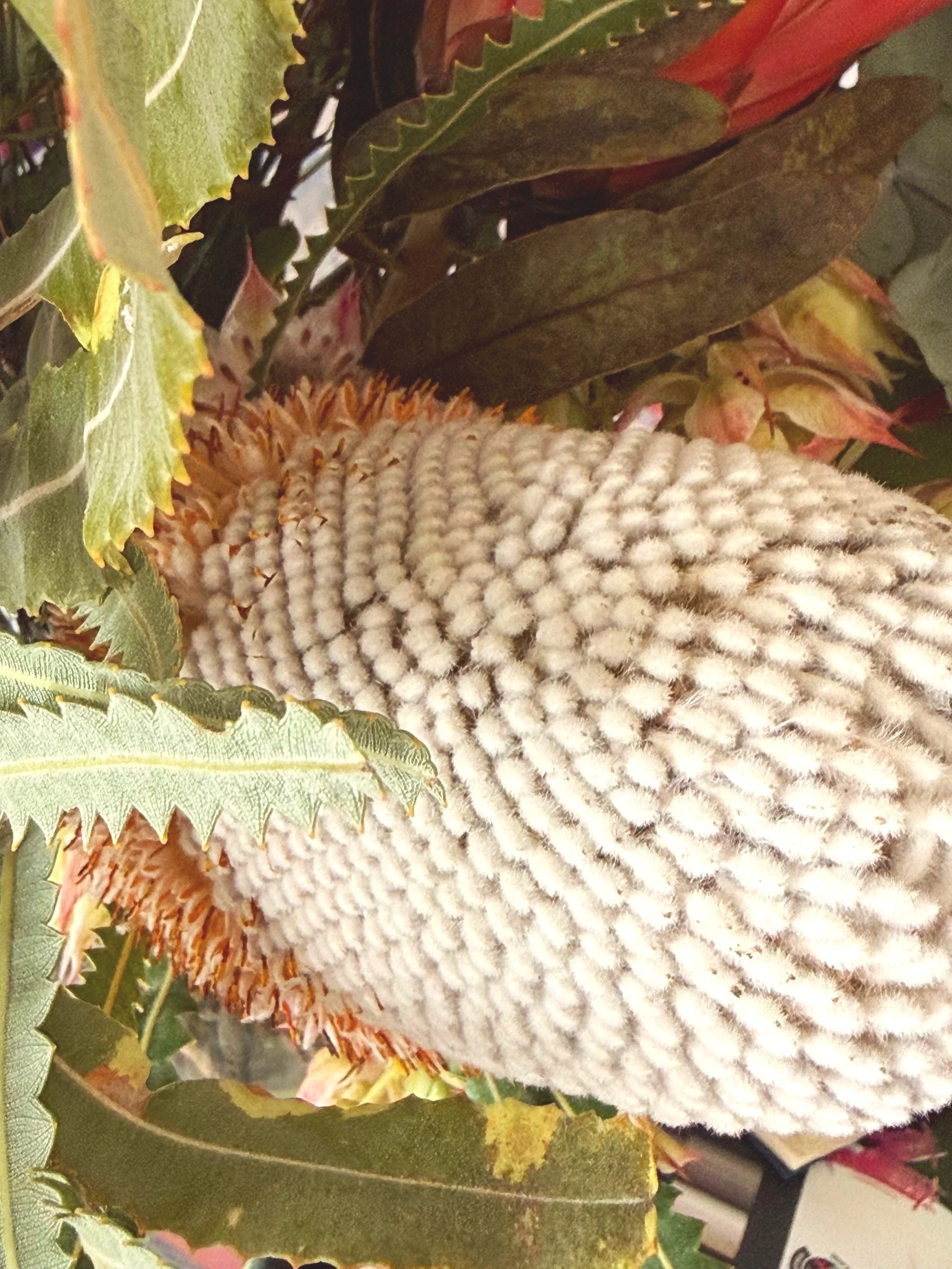
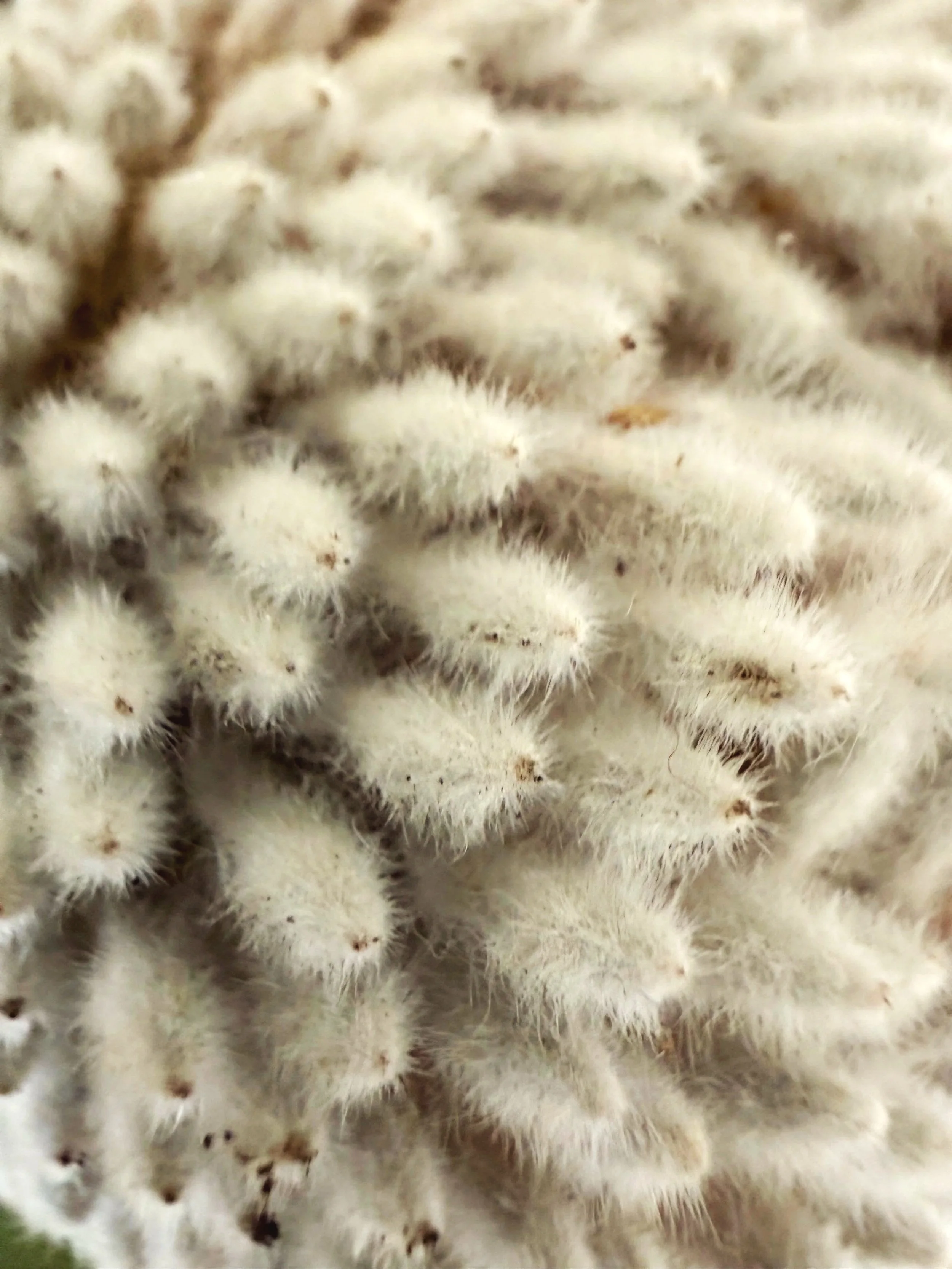
Take three photos of the same subject.
One from a normal distance. One closer. One very close, zooming in on a small part.
Choose one image that interests you.
Open the edit function on your phone. Begin by cropping in tighter than you normally would. Remove anything that feels unnecessary.
Step 3 - The WEird Edit
Gently adjust the light. Move the brightness and contrast slowly and notice what changes.
Then explore colour. Shift the warmth or intensity until the image begins to feel different.
Now make one bold change. You might deepen the shadows, brighten the highlights or try a filter.
If you can, create a second version of the same image and take it in a completely different direction.
Step 4 - QUICK REFLECTION
What did you notice when you looked more closely? Did the image become something new when you changed it?
This is no longer just a photo. It is an artwork.
Click complete on the button below or head back to the program page here.